

Phone numbers
WhatsApp phone number profile settings
Update and manage your WhatsApp phone number profile settings in Cogfy Messenger
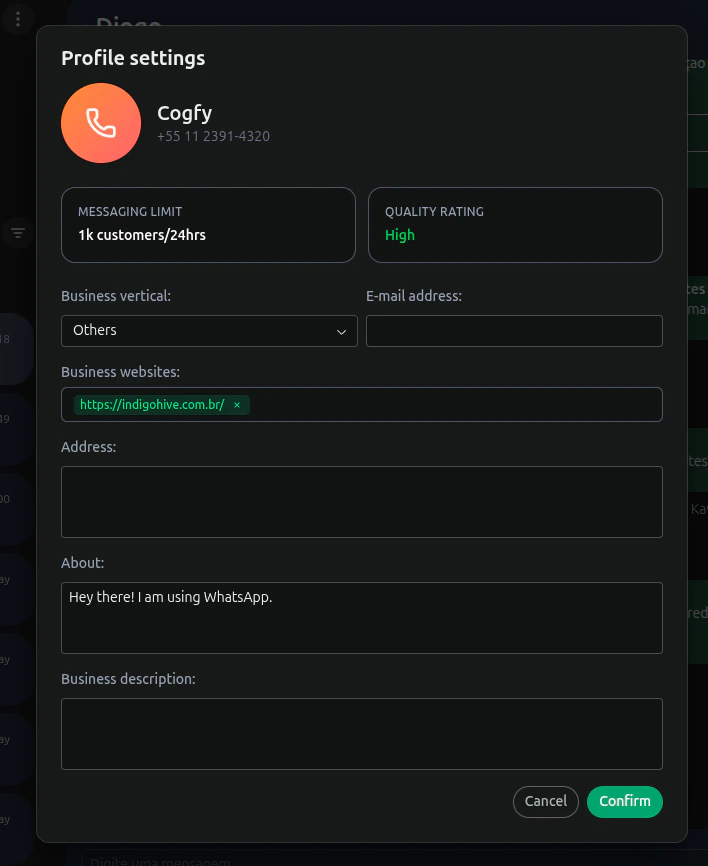
To access the WhatsApp phone number settings, click on the settings icon located in the top-right corner of the Phone Number Profile section. This will open a dialog where you can update various settings related to the phone number, such as display name, address, business websites, business vertical and more.
These settings will reflect on the WhatsApp Business Profile associated with the phone number, ensuring that your business information is up-to-date and accurately represented to your customers.